
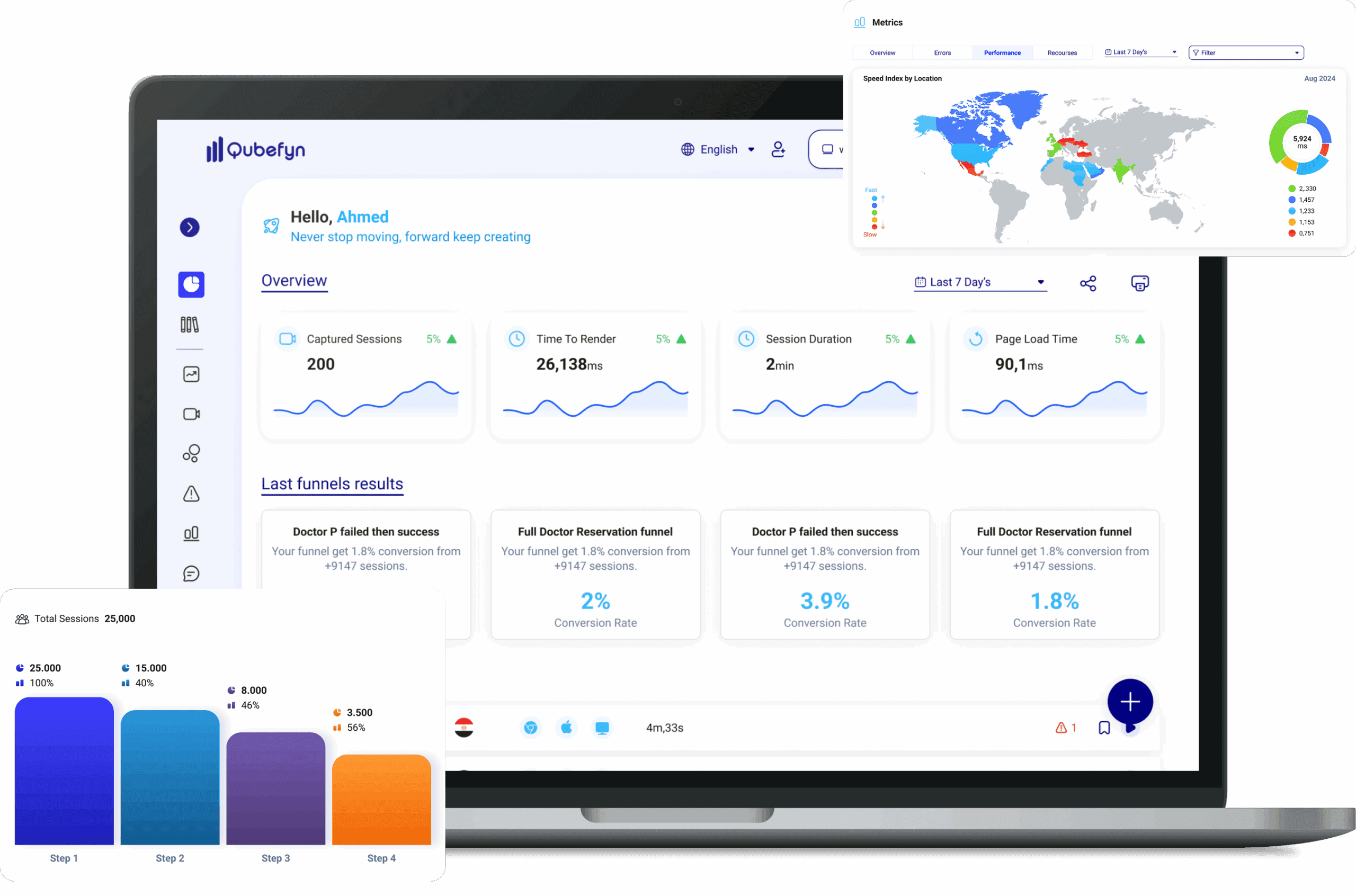
See where customers stop before they leave
Turn the user journey into measurable steps and pinpoint the break and its impact instead of searching through broad averages.
If this sounds familiar, there is still a signal you cannot see.
Users leave before reaching the goal
Conversion falls without a clear explanation
The page causing drop-off is difficult to identify
From a raw signal to insight you can use.
Every component is designed to turn data or daily activity into a clearer decision your team can act on and review.
Monitor the entire journey
Organize visits and interactions into a business journey your team can understand.
Pinpoint the drop-off
Compare each step with the previous one and see where the funnel loses the most users.
Prioritize opportunities
Focus design, content, and development on the steps with the greatest impact.
What is a Funnel in Qube Analytics?
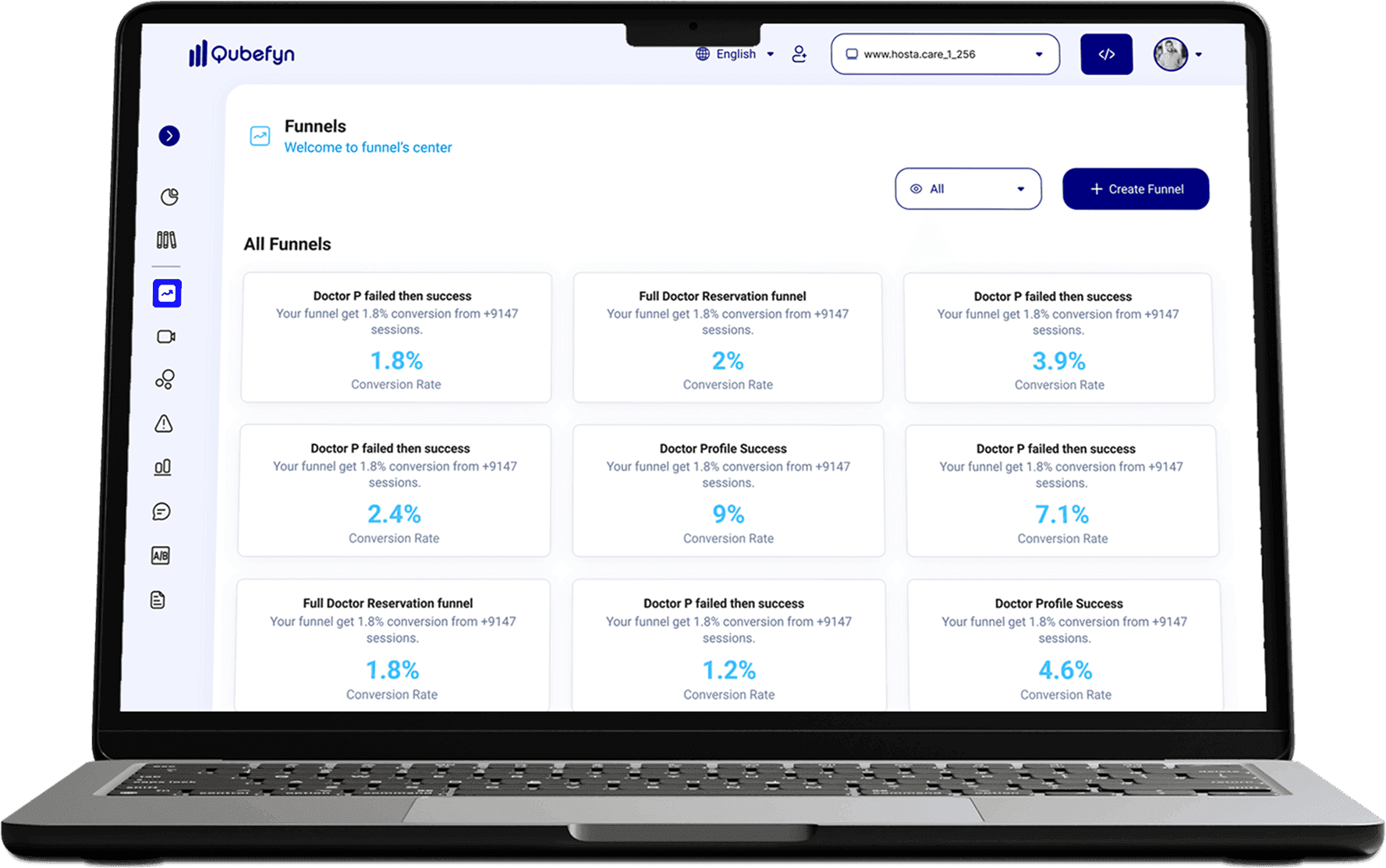
Funnels help you understand the sequence of steps users take through your site, from their first page to a final goal such as completing a purchase or registering.
Know where users exit your site
Track the key steps in a user journey and identify breakpoints that may be affecting conversion.
A clear journey instead of a blind spot
Funnel analysis shows where visitors stop before completing a goal, helping you improve the experience and conversion path.
Blind spots and drop-offs: missed conversion opportunities
When the user journey is difficult to understand, conversion can fall below expectations and identifying the points of drop-off becomes a major challenge.
Shopping cart path before optimization
A fashion store's cart funnel had a high exit rate, leading to lost sales, limited visibility, guesswork-based decisions, wasted budget, and a weak user experience.
Shopping cart path after optimization
Qube Analytics pinpointed the problem in the funnel. After the checkout form was simplified, the store gained clearer insight, a stronger basis for continuous optimization, lower wasted effort, and a better customer experience.
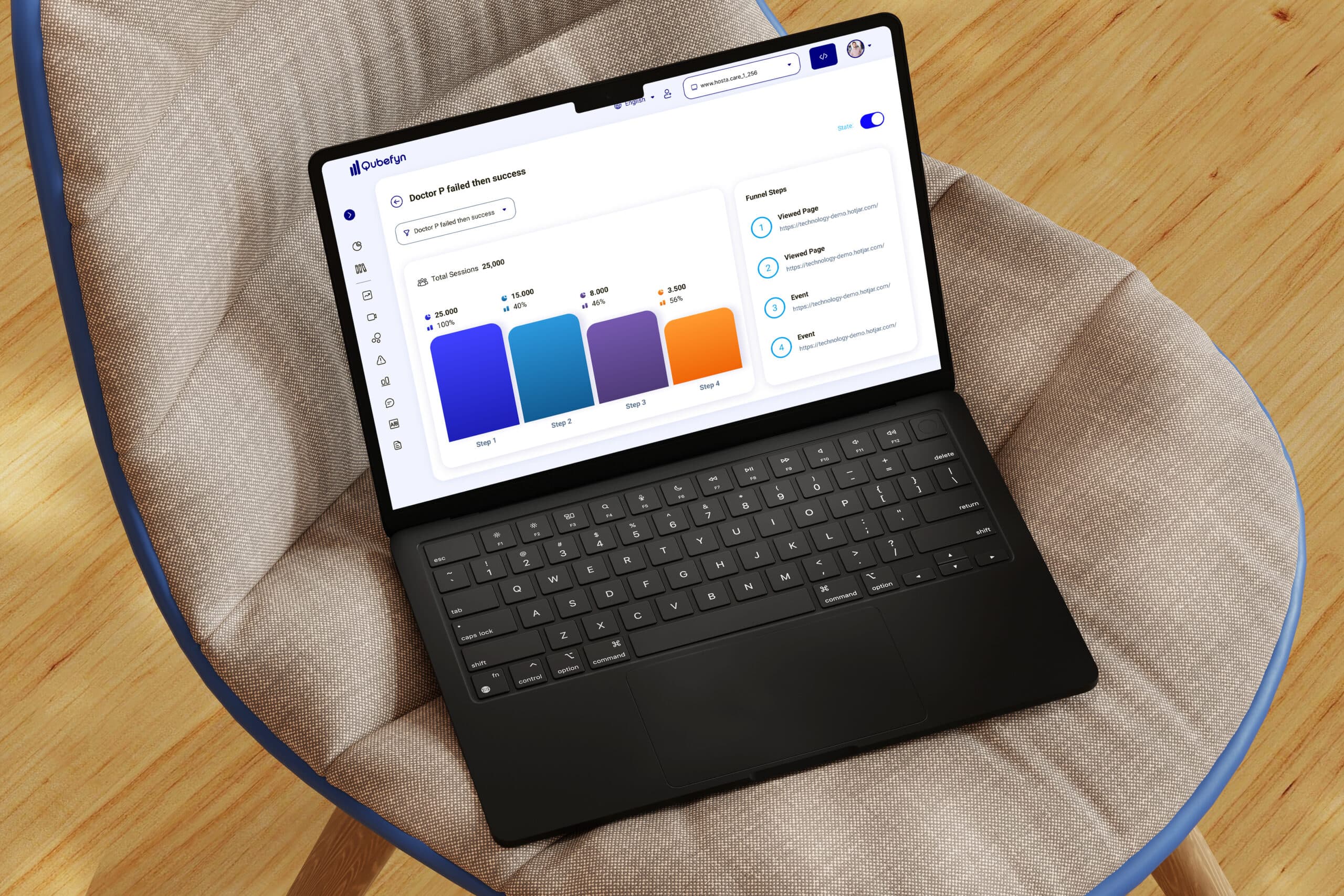
Conversion funnel analysis in Qube Analytics — original product view 1
Design and control your own funnel
Create custom funnels without writing code. The visual interface lets you define and follow the steps that matter in a user journey.
Step 1: Arrange the journey
Choose events and arrange them in the sequence users follow. Drag and drop makes it easier to customize the funnel without a complex setup.
Step 2: Choose the funnel events
Identify key events from entry to conversion, such as a page view, add-to-cart action, or completed purchase. Use supported standard and custom events across configured data sources.
Where funnel analysis supports business goals
See how Qube Analytics can clarify conversion journeys across different types of business.
E-commerce
Identify customer drop-off points in the purchase path, from abandoned cart to checkout.
Digital Services (SaaS)
Understand why users don't complete the registration process or use a particular feature.
Content and marketing
Refine journeys across landing pages and articles to support stronger engagement.
Lead generation
Investigate signup or contact-form friction that may be limiting qualified leads.
Health services
Review the path to booking an appointment or requesting a consultation and identify points that may make completion harder.
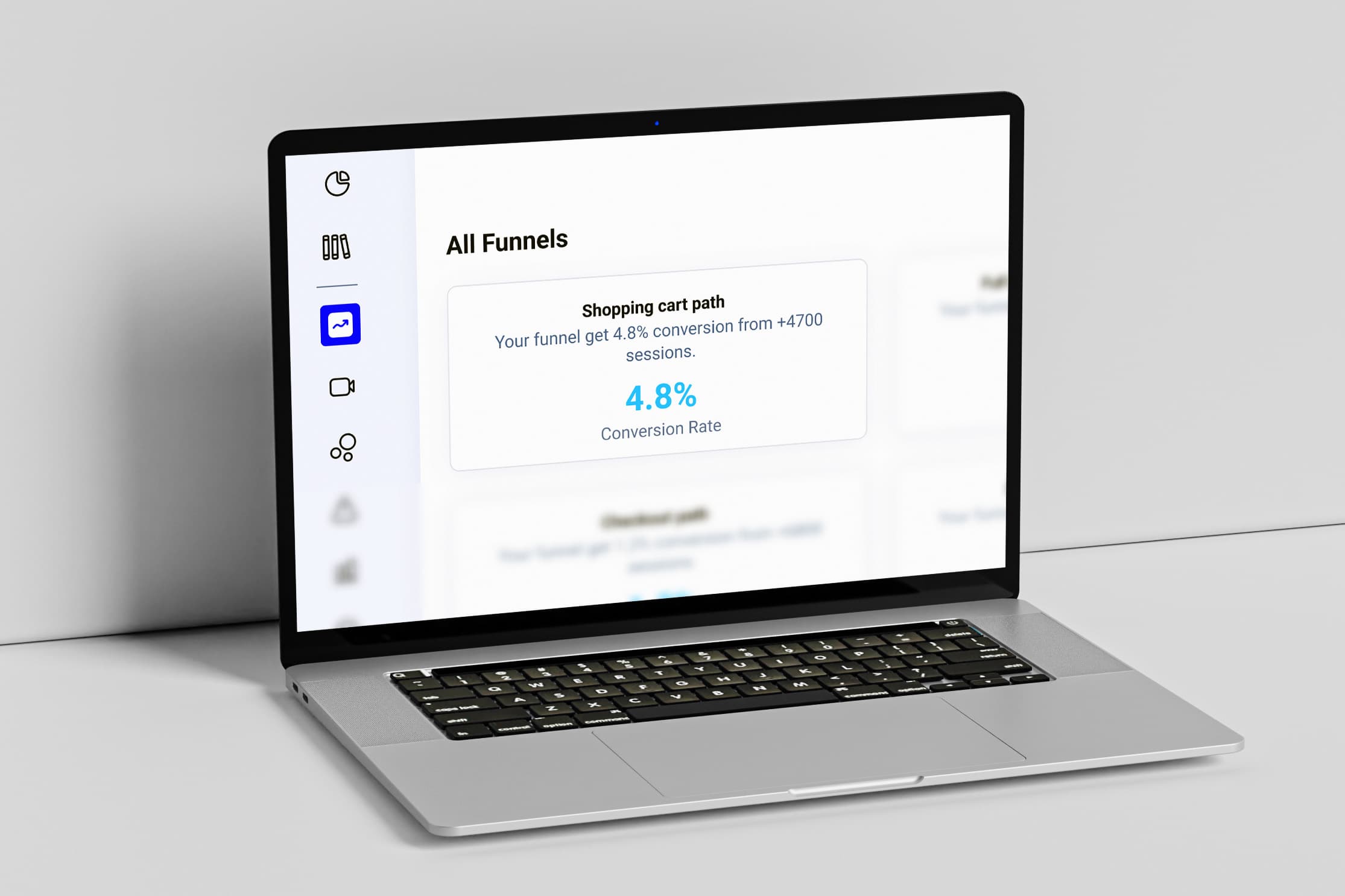
Conversion funnel analysis in Qube Analytics — original product view 2
Why analyze conversion funnels?
A funnel reveals what happens between a visitor's entry point and the goal you want them to complete.
Users leave before reaching the goal
Know what step users leave at before completing a conversion.
Conversion rates are low for no apparent reason
Tie conversion drop to actual steps within the user journey.
You do not know which page causes the drop-off
Identify the page or stage responsible for the drop-off instead of guessing.
Decline at important steps
Watch for a decline at crucial stages before it turns into a sustained loss.
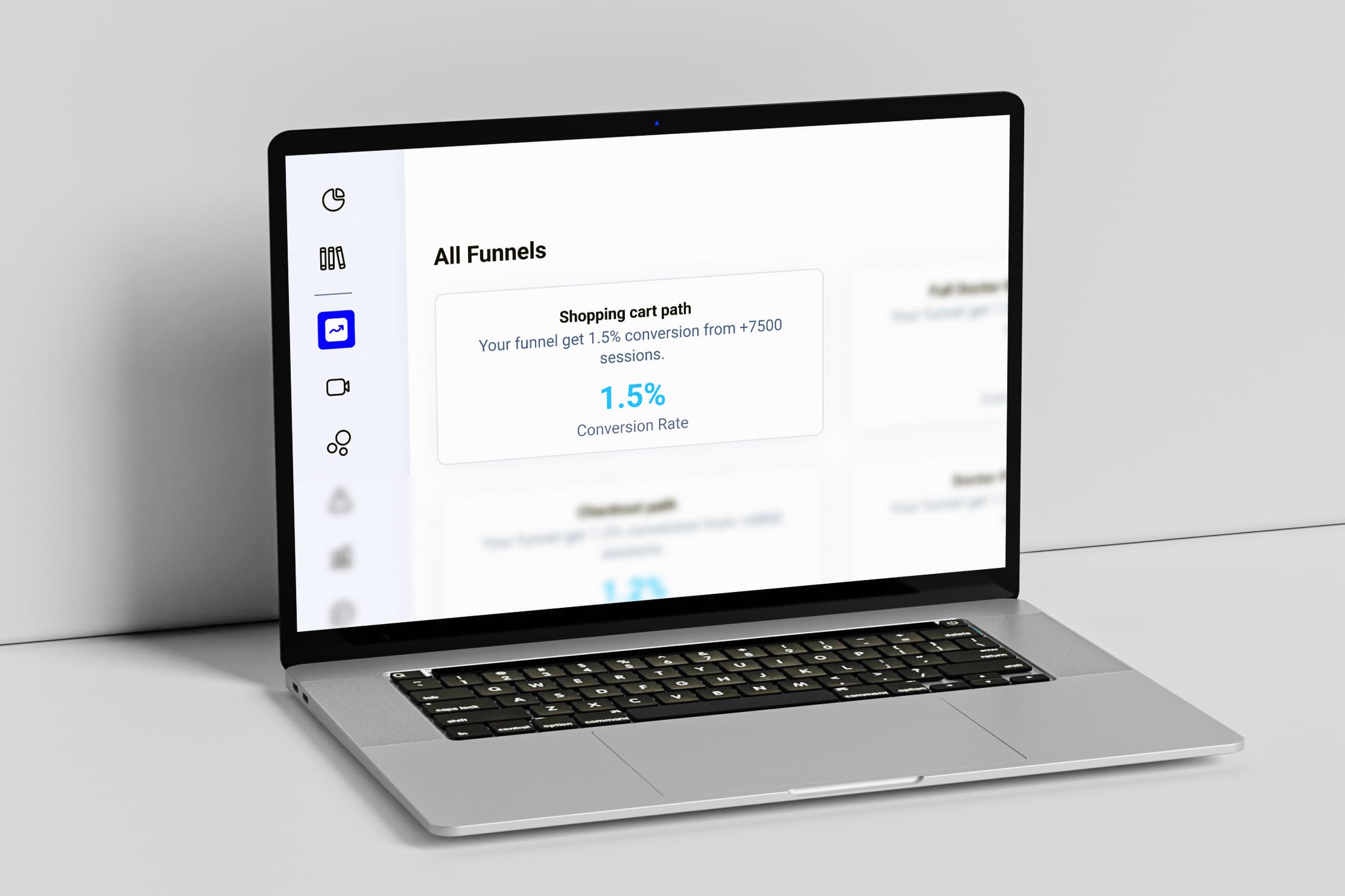
Conversion funnel analysis in Qube Analytics — original product view 3
How does tracking visitors' steps help you make better decisions?
Tracking key steps provides context for identifying strengths, weaknesses, and opportunities to improve the journey.
Focus on pages that need improvement
Identify underperforming pages and prioritize changes that may improve conversion.
Reduce drop-off at important steps
Find out which pages or steps visitors stop at and take deliberate steps to improve them.
Rely on actual data rather than guesswork
Analyze users' behavior carefully and rely on real numbers rather than intuition.
Shared value, in every team's language.
Frequently asked questions about Funnels
Answers about cross-device tracking, visual results, integrations, and straightforward funnel setup.
01Does Funnels track mobile and web sessions together?+
Supported sessions from different device types can be analyzed in the same funnel view when identity and tracking are configured appropriately.
02Can I see visitors while they're browsing my site?+
You can review eligible captured sessions to see navigation, clicks, pauses, and exit points, subject to your recording, consent, and privacy configuration.
03Does Qube Analytics affect site speed?+
The tracking code is designed to be lightweight and run in the background. Teams should still validate its impact in their own production environment.
04Do I need technical experience to use Funnels?+
No. The visual interface is designed so product and business teams can create funnels without writing code.
05Are Funnels results displayed graphically?+
Yes, the results are displayed via interactive charts that show the number of visitors at each step and the rate of decline between them.
06Can Qube Analytics be integrated with other platforms?+
Yes. Qube Analytics can connect with work-management tools such as ClickUp as well as supported marketing and advertising platforms.
Let us connect the challenge to the right solution.
A short session to understand the context and identify the first experiment that can demonstrate real value.